

At 4Less Auctions, we want bidding on and winning your favorite items (furniture, home appliances, tools, and more) to be simple, transparent, and exciting. That is why many of our auctions are held in a Timed Auction format through Proxibid. If this is your first time bidding with us or you want to refine your bidding strategy, here is a step-by-step guide on how the system works.
What is a Timed Auction?
A Timed Auction is an online-only event where bidders compete against one another by placing bids until a specified end time.
- The Winner: When the clock runs out, the highest bid registered takes home the item.
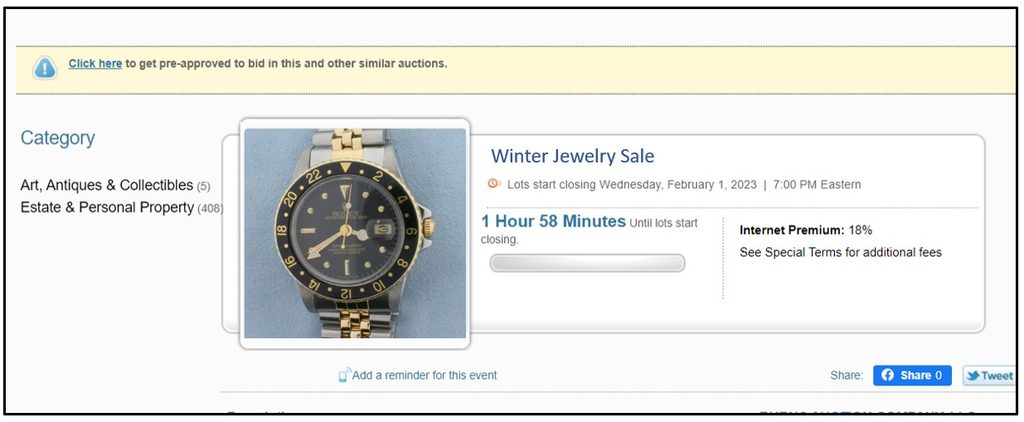
- Staggered End Times: Lots do not close all at once. For example, Lot #1 might close at 5:00 PM, Lot #2 at 5:02 PM, and so on. This gives you plenty of time to monitor and bid on multiple items of interest without missing out.

💡 4Less Pro Tip: Always check the specific closing time for the exact lot you want, rather than just relying on the overall auction start time.
Spotting Our Timed Auctions on Proxibid
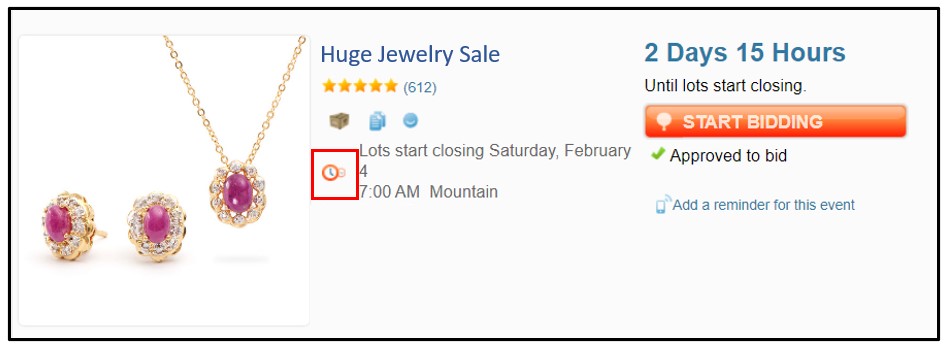
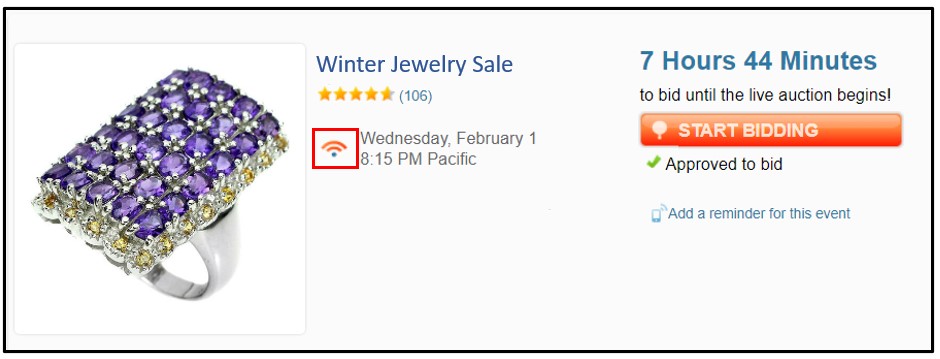
When browsing our catalog on Proxibid, you will see icons that identify the event format:
- Clock Icon 🕒: Indicates a Timed Auction.
- Internet Signal Icon 📶: Indicates a Live Auction.
Step-by-Step Guide to Bidding
Step 1: Log In and Register for the Event
- Log in to your Proxibid account. If you don’t have one yet, registration takes just a couple of minutes.
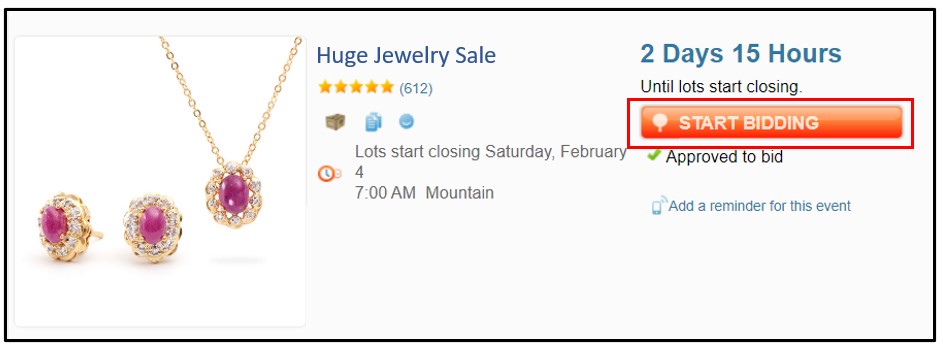
- Locate the 4Less Auctions catalog and click the “Start Bidding” button on the right side of the event.
- If the system prompts you for additional information (such as payment details or verification), complete the registration banner at the top of the page before proceeding.
Step 2: Place Your Bids (Pre-Bids)
All bids in a Timed Auction are submitted as pre-bids:
- Direct Bid (Bid Now): Click the “Bid Now” button next to an item to place a bid at the current minimum asking price.

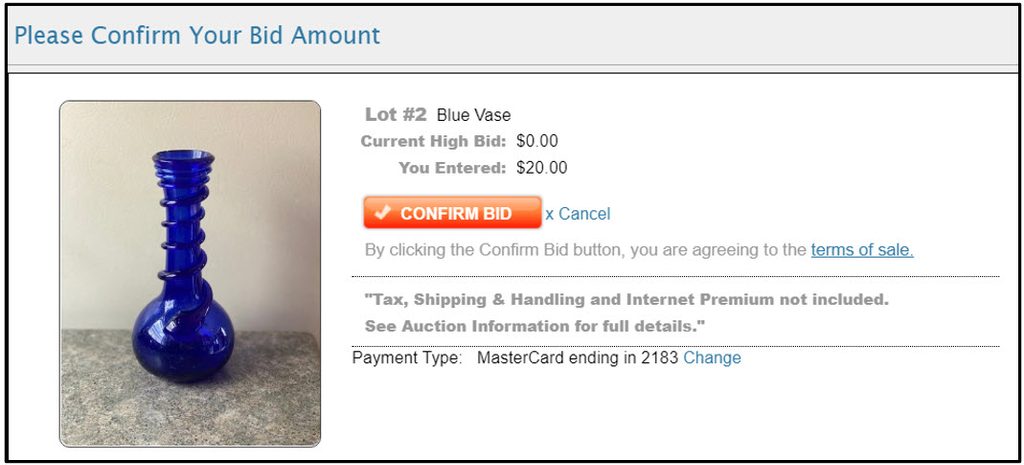
- Mandatory Confirmation: Clicking Bid Now will open a confirmation window. You must click “Confirm Bid” for your offer to be officially recorded. Your bid will not go through unless confirmed.
- Maximum Bid (Maximum Bid): Can’t be online right when the lot closes? Enter the maximum amount you are willing to pay. Proxibid’s automated system will bid on your behalf incrementally, only going as high as necessary to keep you in the lead without exceeding your limit.
Ready to Win? Start Exploring Today!
Participating in our timed auctions is fast, secure, and exciting. Whether you are upgrading your home, outfitting your workshop, or looking for your next great deal, 4Less Auctions makes online bidding simple from start to finish.
Want to master your bidding strategy and make the most of every sale? Check out these helpful guides for more complete information:
- Learn how to secure your items ahead of time with our guide on How to Pre-Bid in Online Auctions.
- Learn your way around the platform by reading How to Navigate the 4Less Auctions Catalog.
- Get a deeper understanding of the entire bidding process with How Bidding Works in 4Less Online Auctions.
Head over to 4Less Auctions, check out our active catalogs, and start placing your bids today. Good luck!